 Soil
Soil
Definition
in-place inclinometer means using field readings to understand inclinometer type and monitoring value before it turns into a site argument or a safety problem. The point is not to collect pretty charts. The point is to help the team decide which inclinometer type gives useful data with the least field friction.
Why This Topic Matters on Site
Most bad monitoring decisions start before the first alarm. The baseline is weak, the field note is missing, or the alarm rule was copied from another project without enough thought.
Then the site changes. Maybe it is rain, excavation, loading, traffic, seepage, or a support step. Suddenly the team has a number on a screen, but not enough context to trust it.
For inclinometer users, the fix is not more data by itself. The fix is a cleaner link between movement depth, reading frequency, casing access, sensor spacing, and reporting needs. That is where monitoring starts to earn its keep.
Practical Comparison
| Option | Best Fit | Main Limit | What Buyers Should Check |
|---|---|---|---|
| Manual sliding inclinometer | Periodic readings across many boreholes | Needs trained field work and regular access | Probe quality, casing condition, repeatability, software export |
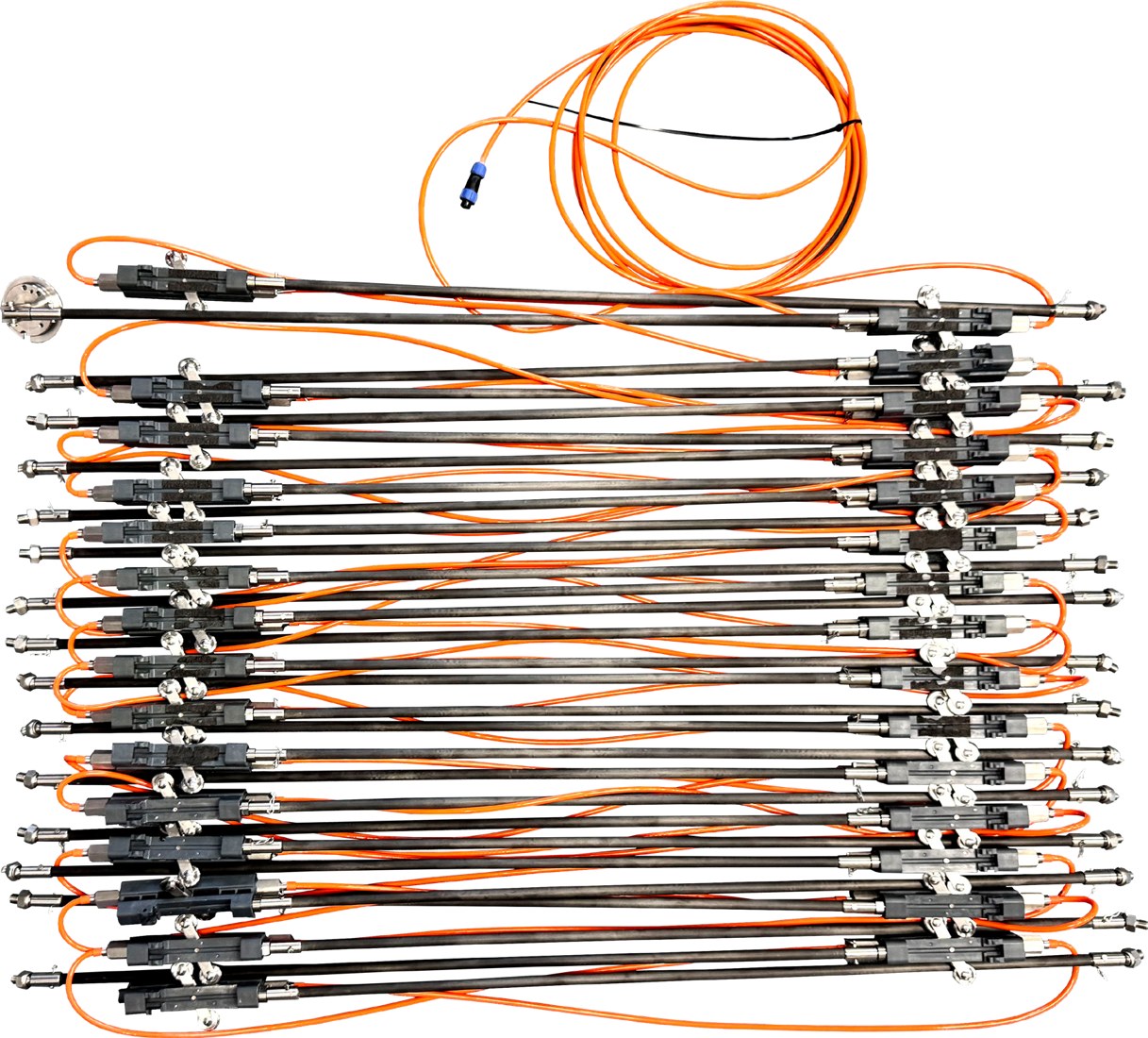
| In-place inclinometer | Long-term monitoring at critical boreholes | Higher cost per borehole | Sensor spacing, cable protection, data logger compatibility |
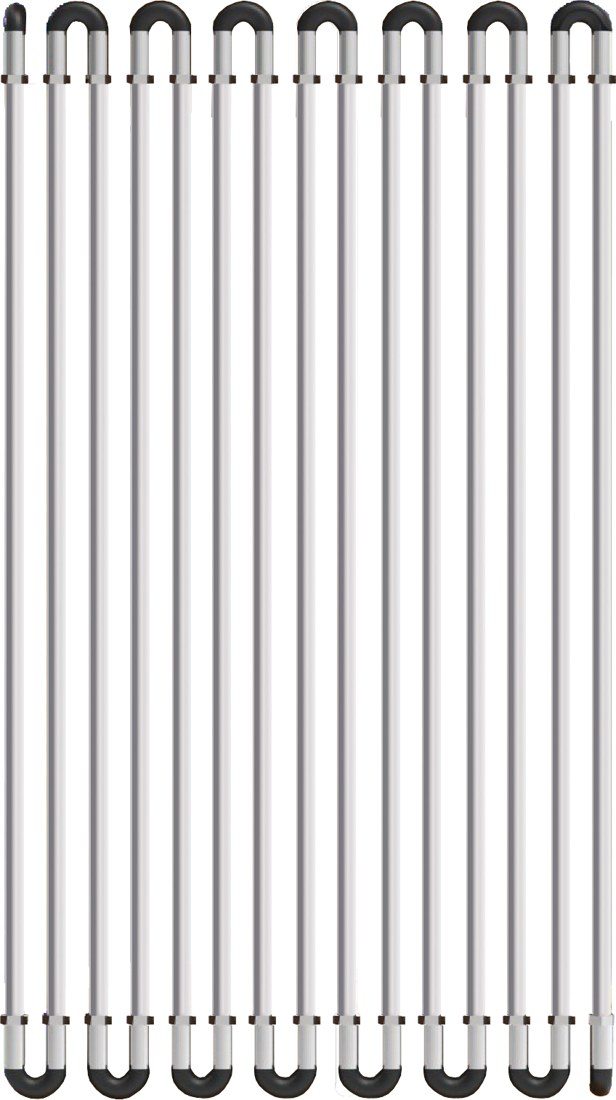
| Flexible inclinometer array | Continuous deformation path monitoring | Needs good layout design | Node spacing, installation method, data interpretation |
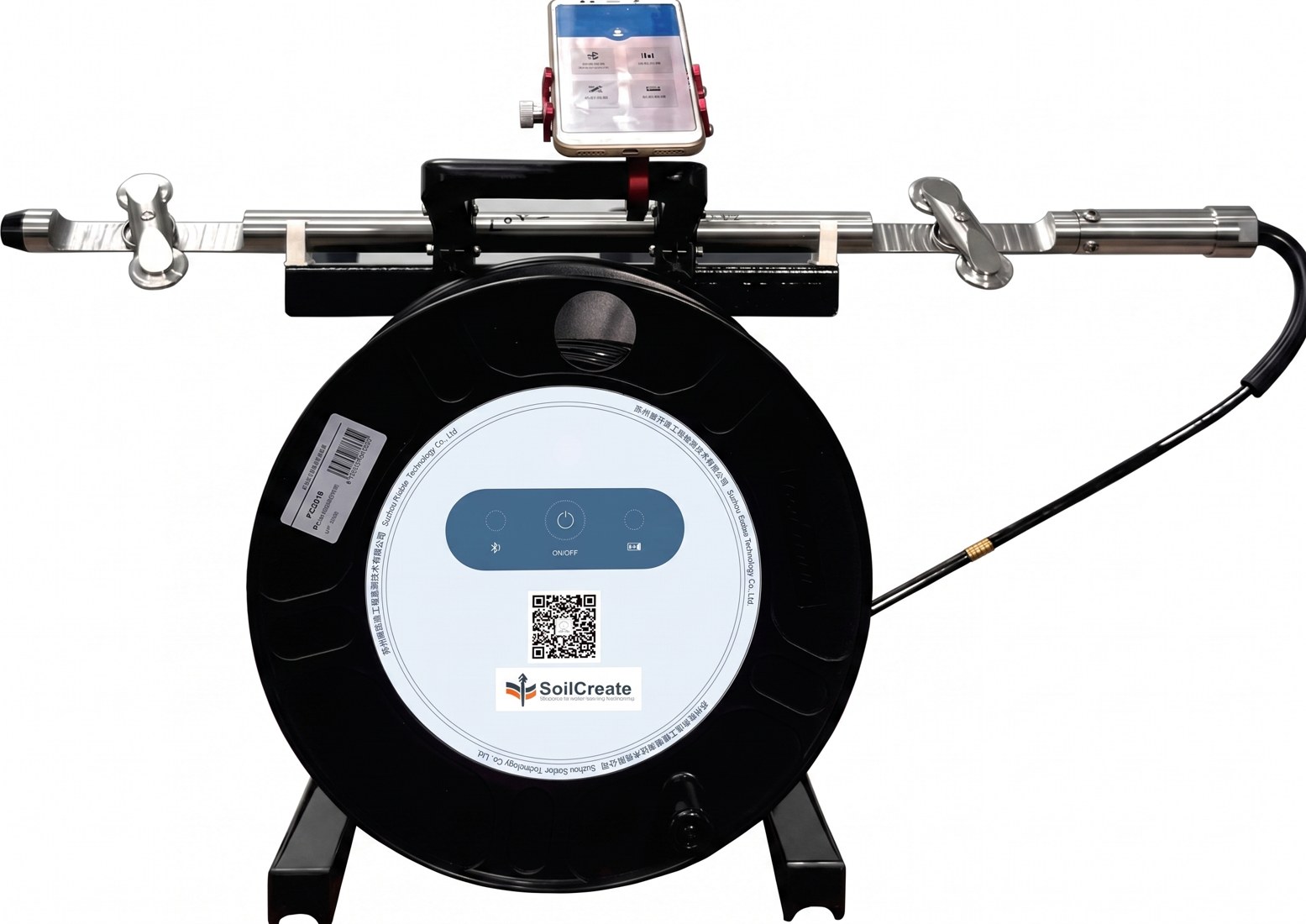
| Automated traversing inclinometer | Existing casing with high reading frequency | More moving parts and system setup | Power, lifting control, cloud connection, maintenance plan |
How to Use the Data Without Overreacting
The first rule is simple: do not treat every spike as a failure. Field data can change because of real movement, sensor noise, installation problems, temperature, communication gaps, or construction activity.
The second rule is just as important: do not ignore a trend because one value looks small. A steady increase in movement rate can matter more than a single number.
Teams should compare current readings with baseline data, recent field work, weather, water levels, support installation, and nearby measurements. This makes the data more useful and reduces false confidence.
Step-by-Step Field Workflow
- Define the monitoring object and failure mode.
- Check if casing already exists and whether it is usable.
- Decide the required reading frequency.
- Match the instrument type to site access and maintenance limits.
- Confirm data export, alarm, and reporting needs before purchase.
Buyer and Distributor Checklist
- Confirm the monitoring objective and risk mechanism.
- Check that the instrument type matches the site condition.
- Review installation access, power, communication, and maintenance.
- Set baseline readings before major work starts.
- Define alarm levels and response duties before data goes live.
- Keep raw data, reports, and field notes traceable.
Common Mistakes to Avoid
Treating monitoring as a single instrument purchase
A monitoring system needs more than a sensor. It needs installation planning, data logging, communication, alarm settings, reporting, and support.
Setting alarms without a response plan
An alarm that no one acts on is not a warning system. Before the system goes live, the project team should define who receives alerts and what actions follow each level.
Ignoring field context
Data should be read with excavation stages, rainfall, water level, loading, support installation, and inspection notes. A value without context can lead to the wrong decision.
Overclaiming what automation can do
Automation can help reduce blind spots and improve response time. It cannot guarantee safety or replace engineering judgment.
Where SoilCreate Fits
SoilCreate should be positioned as a workflow partner, not just a sensor seller. The useful package is the one that connects the instrument, logger, software, alarm logic, and field support.
For engineer, contractor, or distributor, that matters after delivery. A system that is easy to install, explain, and check usually creates fewer service calls than a system that only looks strong on a datasheet.
The honest limit is also important. SoilCreate can help teams see trends earlier and manage data better. It still needs a good monitoring plan, careful installation, and engineering judgment on site.
Field Design Notes
A good monitoring design starts with a simple question: what movement would create risk on this site? The answer changes from project to project. A deep excavation may care about wall movement, strut force, settlement, and groundwater. A slope may care about deep displacement, rainfall, groundwater, and surface movement. A bridge may need strain, deflection, vibration, temperature, and traffic load.
Do not place instruments only where installation is easy. Place them where the data can answer a decision question. If a reading changes, the project team should know what it means and who needs to respond.
For In-place inclinometer, the monitoring layout should also include a clear baseline plan. The first readings must represent a stable reference condition as much as possible. If the baseline is weak, every later trend becomes harder to defend.
The field team should document installation depth, orientation, sensor ID, cable route, logger channel, data unit, and any site condition that may affect the reading. These details may feel small during installation, but they become important when the data is reviewed months later.
Data Quality Checks
Data quality is not only a software problem. It starts with installation, continues through wiring and communication, and ends with engineering review.
A practical data check should ask five questions. Is the sensor still connected? Is the value within a realistic range? Did the reading change at the same time as construction, rainfall, loading, or another field event? Do nearby sensors show a similar pattern? Does the chart make sense when compared with inspection notes?
If one answer looks wrong, the team should not delete the data too quickly. Keep the raw reading, mark it for review, and document the reason. This protects the audit trail and helps explain later decisions.
For automated systems, missing data also needs a process. The team should know whether the logger stores data during a network outage, how often it retries upload, and how users can see data gaps on the platform.
Procurement Notes for Contractors and Distributors
Buying a monitoring system is not the same as buying a single instrument. A complete purchase should include the sensor, data logger, cable or wireless link, power plan, platform access, installation tools, training, spare parts, and support.
Contractors should ask suppliers to explain the full workflow. How is the sensor installed? How is the baseline set? How is data checked? What alarm levels can be configured? What happens when the network fails? What files can be exported for reports?
Distributors should avoid selling only on low price. A cheap package can become expensive if it creates site delays, missing data, unclear software, or support calls that consume project profit.
A better sales approach is to match the system to the job. A low-risk project may only need periodic readings. A high-risk project may need automated readings, cloud alarms, and linked data from several sensor types.
Example Field Scenario
Imagine a contractor monitoring a deep excavation, a slope, or another high-risk geotechnical site. The first week of data looks stable. Then the project enters a new stage: excavation gets deeper, rainfall increases, heavy equipment moves closer, or water level changes.
One sensor starts to move faster. On its own, that value may not prove danger. But if the movement rate rises at the same time as settlement, water pressure, or support load changes, the warning becomes more serious.
This is where a well-planned In-place inclinometer workflow helps. The team can compare multiple data streams on one timeline. They can check whether the trend matches field activity. They can decide whether to increase reading frequency, inspect the site, adjust construction, or escalate the alarm.
The value of monitoring is not the chart itself. The value is the better decision that happens because the chart was available, trusted, and reviewed in time.
FAQ
1. What is In-place inclinometer?
In-place inclinometer is a monitoring approach used to track movement, deformation, or warning signs in geotechnical and structural projects. The exact setup depends on the site risk, instrument type, and reporting needs.
2. Can automated monitoring replace field inspection?
No. Automated monitoring helps reduce blind spots and improves trend visibility, but field inspection and engineering judgment are still required.
3. What should contractors check before buying a system?
They should check the failure mode, required reading frequency, installation method, data logger, cloud platform, alarm rules, and supplier support.
4. Why do many projects need more than one sensor type?
Ground and structures move for many reasons. Displacement, water, load, settlement, and field observations often need to be reviewed together.
5. How can SoilCreate fit into this workflow?
SoilCreate in-place inclinometer options can support long-term monitoring where a fixed sensor string is more practical than repeated manual readings.
Next Step: Get a Practical Monitoring Recommendation
If you are comparing options for in-place inclinometer, prepare four project details before you contact a supplier:
- project type and monitoring object;
- expected monitoring depth or sensor layout;
- reading frequency and alarm needs;
- site access, power, communication, and reporting limits.
Share those details with SoilCreate to compare manual, in-place, flexible, and automated inclinometer options. The goal is not to overspec the project. The goal is to choose a monitoring setup that gives useful data, fits the site, and supports a clear response plan.
Conclusion
In-place inclinometer is valuable when it helps the project team see movement earlier, understand the trend, and make better field decisions. It is not a shortcut around good design, careful installation, or professional review.
The best results come from a complete workflow. Start with the risk mechanism. Choose the right instrument. Protect data quality. Link readings with field conditions. Then use alarms to support action, not replace judgment.